

Dynamic Dark Themes with CSS
By Cory Rylan
- 2 minutes
In this tutorial we will learn how to build a custom CSS theme that we can switch based on the users Operating System theme preferences. This will allow our UI to automatically switch to a dark mode or light mode.
CSS Custom Properties
First to build our custom CSS Theme we will need to use CSS Custom Properties or also known as CSS Variables. CSS Custom Properties allow us to dynamically change CSS values with CSS Media Queries or JavaScript. This dynamic behavior makes it easy to change the theme of our websites and applications. First let's take a look at an example UI.
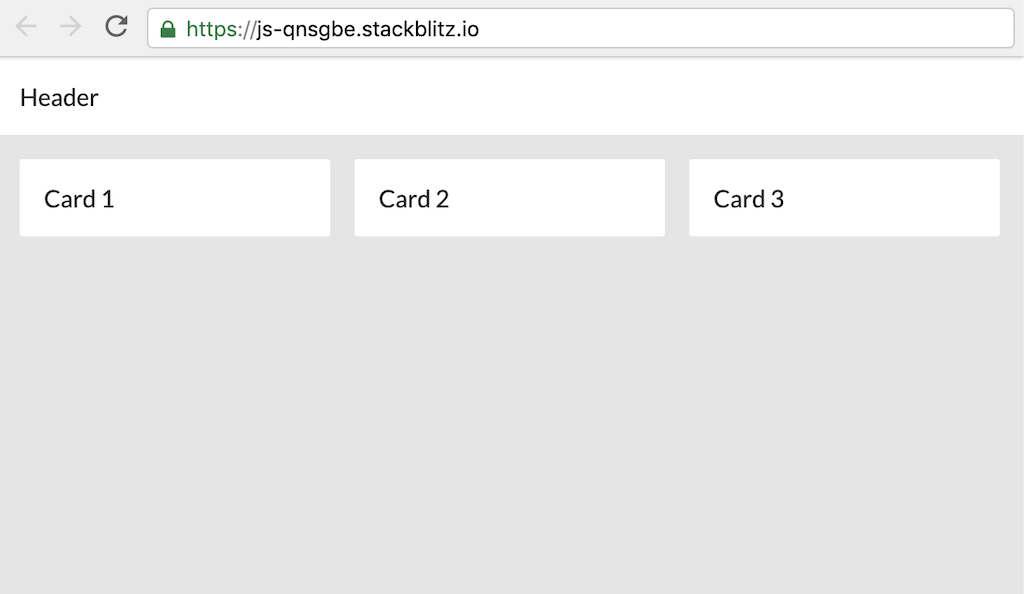
In this UI we have a header and three content cards that are styled with a light theme. Let's take a look at the CSS for this page.
:root {
  --primary-color: #fff;
  --background-color: #e5e5e5;
  --text-color: #2d2d2d;
}

body {
  background-color: var(--background-color);
  color: var(--text-color);
}

.card {
  background-color: var(--primary-color);
  color: var(--text-color);
}

.header {
  background-color: var(--primary-color);
  color: var(--text-color);
}
We define our CSS Custom Properties using the :root selector. The :root selector is essentially the global document. By adding variables in :root we can access them anywhere in our application. CSS Custom Properties must be prefixed with two dashes.
To use our CSS Custom Properties we use the var() keyword to pass in the value. For our card and header classes we use the variables to set the background and text color.
Dark Mode and Dark Theme Preferences
In this example we will update our UI to have a dark theme like this image below.
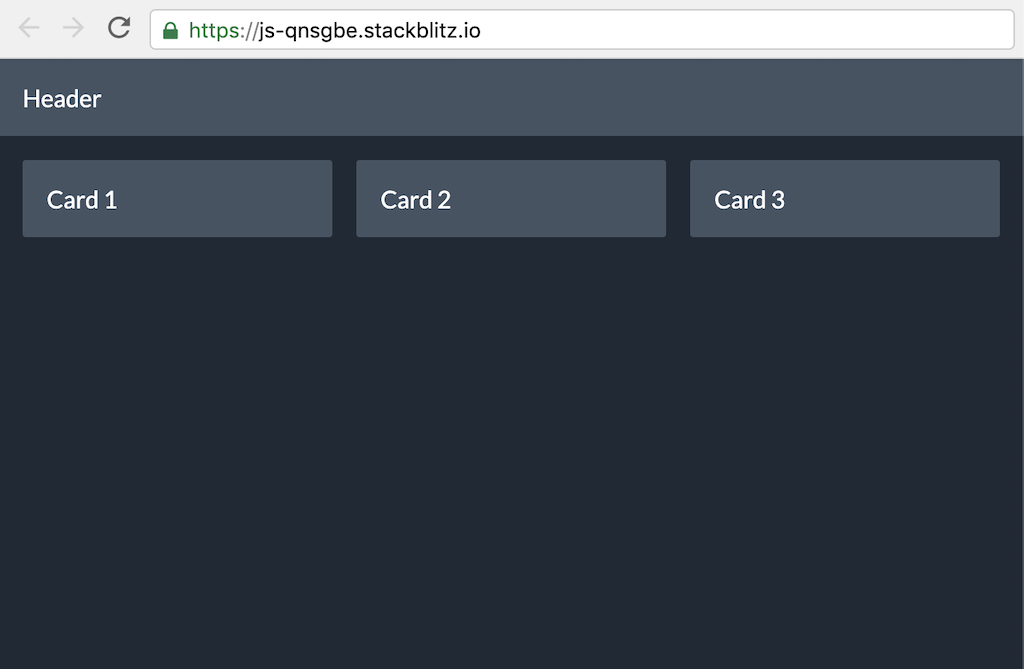
There are a few ways to dynamically change CSS Custom Properties. You can change CSS Custom Properties via JavaScript.
document.documentElement.style.setProperty('--primary-color', 'red');Instead of using JavaScript we will use a new CSS media query called prefers-color-scheme. The prefers-color-scheme media query allows us to apply CSS based on the users Operating System theme preferences. If the user prefers dark theme then we can automatically change our CSS to use a dark theme.
/* 'light' or 'dark' options */
@media (prefers-color-scheme: dark) {
  :root {
    --primary-color: #455363;
    --background-color: #1f2935;
    --text-color: #fff;
  }
}
Now using the media query we can dynamically change the CSS Custom Properties and have our theme automatically change for the user with no JavaScript needed! Check out the full working demo below. Change your local OS theme preferences and see the updates!


%20--%3e)
%20--%3e)
